New Makerfern for Chrome: right-click any picture on the web to make a cut file, coloring page or stencil from it. Add to Chrome, free

Halloween projects you can make from a picture

Seven free Halloween projects, each made in your browser with a tool that is already here: a pumpkin carving stencil, a coloring page, a shirt design, a cut file, a bead pattern, a dot-to-dot and a giant moon.

  • Free
  • No signup
  • No watermark
  • Made on your device

The coloring page maker, the coloring book maker, the stencil maker, the pixel pattern maker, the knitting chart maker and the latch hook pattern maker each have an optional Cloud AI mode that is off unless you switch it on. Every link on this page opens the on-device default.

Pick a project

Each card names the tool and shows a real result from it. Six of the seven also have a link that opens the tool with Halloween settings ready: drop your own picture and it is drawn with those settings. Nothing about your picture is in the link.

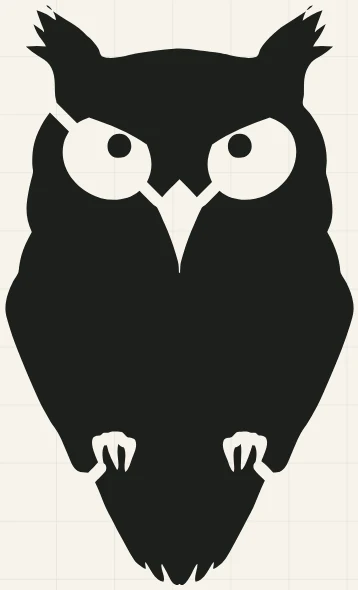
A black owl stencil with its eyes held in place by short bridges, drawn by the stencil maker
The stencil maker’s own preview of an owl icon. Picture: Owl icon (Noun Project 13455) by Maelle Chassard, CC0, via Wikimedia Commons.

A pumpkin carving stencil

Tool: Stencil maker

A one-piece pattern for carving or painting: every island, such as the middle of an eye, is joined to the sheet by a short bridge so nothing drops out.

  • The dark shape is the part you cut away. Choose Light parts in the panel to flip it.
  • Set the artwork width to the width of the pumpkin’s face, download the Print-ready PDF and print it at 100 percent. The page includes a 1 in square so you can check the print size.
  • Tape the page on, poke along the lines with a pin or a poking tool, take the paper off and join the dots. An adult should do the cutting.
  • Thin red marks are parts that may snap. Wide, simple shapes carve best.

Open with Halloween settingsOpen the stencil maker

Sets: Bridges 5 mm wide and pieces under 6 mm marked, so thin parts that would snap are flagged.
Step by step, photo to pumpkin →

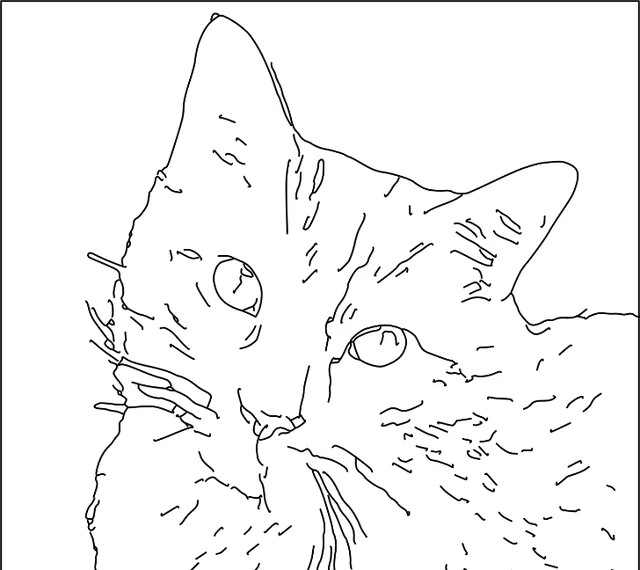
Black outline coloring page of an orange tabby cat’s face, drawn with bold outlines
The coloring page maker’s preview of a cat photo. Picture: Orange tabby cat by Leroy_Skalstad (Pixabay), CC0, via Wikimedia Commons.

A coloring page of your pet or costume photo

Tool: Coloring page maker

Black line art on a Letter or A4 page, as a PDF or a 300 dpi PNG, ready to print and color.

  • One clear subject on a plain or dark background draws best: a pet, a pumpkin, a face. Crop close first if the background is busy.
  • These settings use two drawing models, which download the first time (about 17 MB together); your browser keeps them for next time.
  • Print the PDF at 100 percent. A photo with fur or grass gives a busy page; Simple keeps the big shapes.

Open with Halloween settingsOpen the coloring page maker

Sets: Bold outline, Simple detail and a heavier line, for small hands and thick markers.

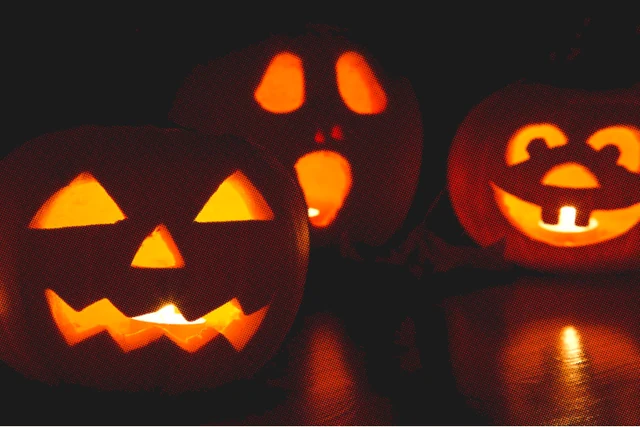
Three glowing jack-o’-lanterns turned into orange halftone dots on a near-black background
The halftone generator’s preview of a jack-o’-lantern photo. Picture: Jack-o-lantern pumpkins by Petr Kratochvil, public domain, via Wikimedia Commons.

A glowing design for a dark shirt

Tool: Halftone generator

A transparent PNG at 300 dpi (or an SVG) in halftone dots, sized in inches at the real print width, for a DTF or screen-printed shirt.

  • On a dark garment the lighter parts print as dots and the darkest parts drop out into the shirt, so the glow is the shirt showing through.
  • 30 lines per inch sits inside the 25 to 55 range the tool gives for shirt work as a rule of thumb. Ask your printer which they prefer.
  • Check the Close-up view before you download: it shows the dots at the file’s own pixels.

Open with Halloween settingsOpen the halftone generator

Sets: 30 lines per inch (bigger dots than the usual 35), on the dark garment setting the tool already starts with.

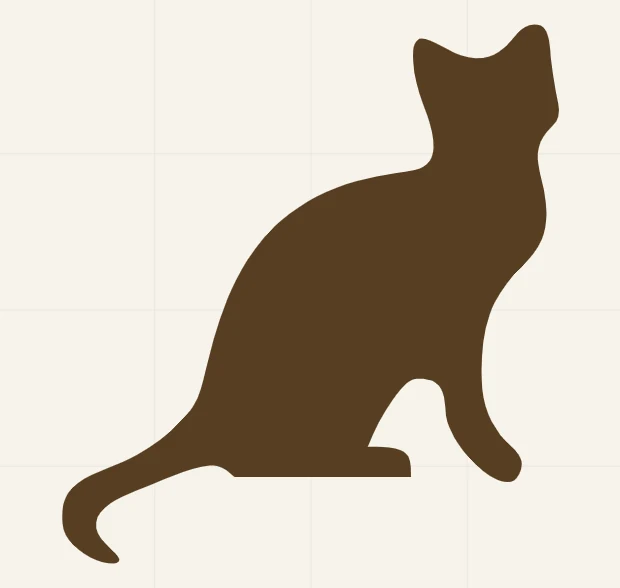
A brown sitting cat silhouette, the cut file shape traced by the SVG for Cricut page
The SVG for Cricut preview of a cat silhouette. Picture: Cat silhouette (brown) by Extreme Unction and Chris-martin, colour changed by ToBeFree, CC0, via Wikimedia Commons.

A cut file for vinyl, iron-on or a window

Tool: SVG for Cricut

A cut-ready SVG at the width you will cut, with specks too small to weed removed and anything too thin marked in red before you waste vinyl.

  • Set the width you will cut first. The layers are built at that size.
  • A flat, solid picture traces into a few clean pieces. A photo turns into many small ones.
  • Ordinary iron-on vinyl is cut mirrored, but printable iron-on is not. The mirror guide says which is which.

Open SVG for Cricut

Make your own Halloween SVG →

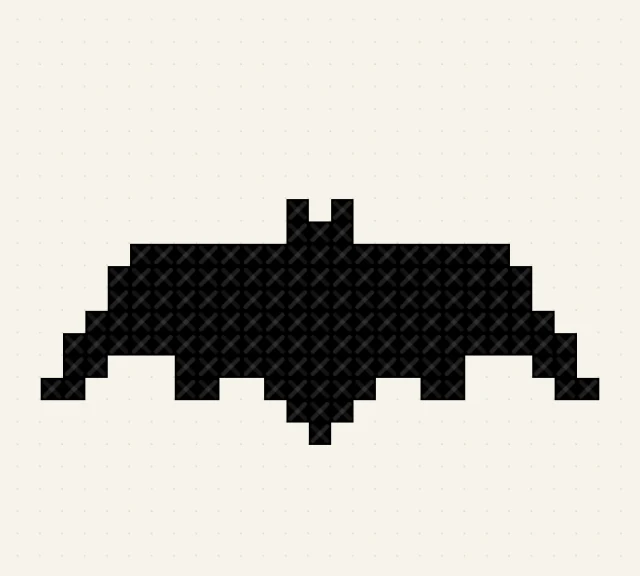
A black bat drawn as a small grid of cross stitches on a cream background
The pixel pattern maker’s preview of a bat icon. Picture: Bat (Noun Project 70532) by Jared, CC0, via Wikimedia Commons.

A bead or cross-stitch pattern

Tool: Pixel pattern maker

A numbered chart with symbols and a color key as a PDF, for fuse beads, cross-stitch or pixel art.

  • Many large square bead boards are 29 pegs across, so 29 stitches across fills one. Check the size of yours.
  • Two colors gives a bold one-color shape on a plain background. Raise the colors for a picture with more in it.
  • The page shows the finished size at your fabric count (2.1 in at 29 stitches on 14-count), so you can check it before you start.

Open with Halloween settingsOpen the pixel pattern maker

Sets: 29 stitches across and 2 colours.

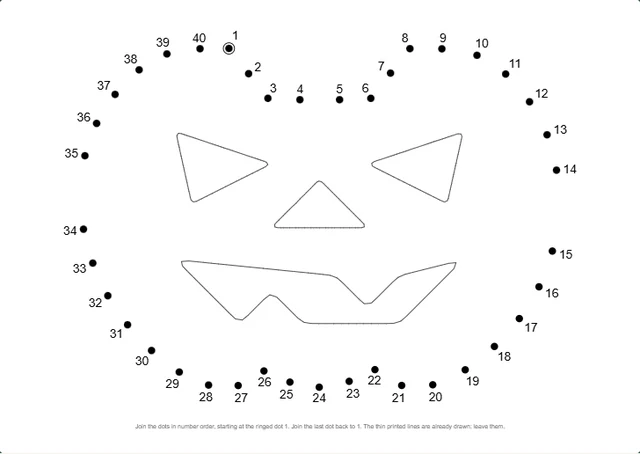
A numbered dot-to-dot of a jack-o’-lantern, with its eyes, nose and mouth already drawn inside
The dot to dot maker’s puzzle view of a jack-o’-lantern icon. Picture: Jack o lantern Pinhead icon by Quincy Morgan, CC0, via Wikimedia Commons.

A dot-to-dot party sheet

Tool: Dot to dot maker

A printable numbered connect-the-dots page, with an answer page in the PDF if you leave that on.

  • Drawings, clipart and icons work best. A photo usually needs the Better cut-out first.
  • Large numbers are easier for small children. Pick Small or Medium for older ones.
  • Print one per guest, or keep the answer page for the person who checks.

Open with Halloween settingsOpen the dot to dot maker

Sets: Large numbers (the dots are already large).

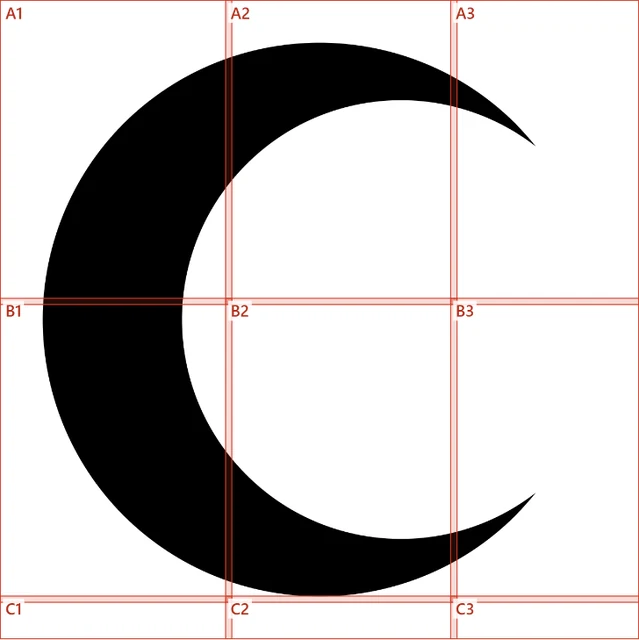
A crescent moon split across a grid of nine numbered sheets, A1 to C3, with red cut lines
The poster splitter’s preview of a crescent moon icon. Picture: Crescent Pinhead icon by Quincy Morgan, CC0, via Wikimedia Commons.

A giant moon or bat for a window or wall

Tool: Poster splitter

One PDF that splits a big shape across sheets, with overlap and cut lines, to tape together at home.

  • Print every page at 100 percent. Scaling to fit shrinks the pieces so they stop lining up.
  • The sheets are labeled A1, A2 and so on, so lay them out in rows before you tape.
  • A bold, simple shape such as a moon, a bat or a ghost reads from across a room.

Open with Halloween settingsOpen the poster splitter

Sets: A finished width of 22 inches: nine Letter sheets for a square picture, fewer for a wide one and more for a tall one.

Before you start

These tools draw what is in the picture, so the picture matters more than any setting. For a stencil, a cut file or a dot-to-dot, a flat shape with a clear outline works best: a silhouette, an icon or clipart. A photo can work, but a busy background turns into busy shapes. Crop close, or remove the background first, and check the result before you cut or print.

Cutting a pumpkin is a job for an adult. Children can draw the pattern with the marker, color the page, join the dots and choose the design.

Guides for these projects

Questions

Do the Halloween settings links send my picture anywhere?

No. A link carries only tool settings, after the # in the address, and your browser never sends that part to our server. It holds no picture. Each link opens the tool, and the settings are applied once, when you add your own picture. You can change any of them afterwards, and the same menu in the tool, My presets, lets you save your own.

Is it free, and does it need an account?

Every project here uses a free tool with no signup and no watermark on what you download. The tools work on one picture at a time.

Where do the example pictures come from?

Each example was made by the tool named on its card, with the settings in that card’s link, from a picture released into the public domain or under CC0. The credit is under each one. Your own picture will look different, and photos with busy backgrounds make busier results than the clean icons used here.

Will it work on my phone?

The tools open on a phone. Printing large patterns, such as a pumpkin stencil at the size of the pumpkin, is easier from a computer.