New Makerfern for Chrome: right-click any picture on the web to make a cut file, coloring page or stencil from it. Add to Chrome, free

Christmas projects you can make from a photo or a list of names

Free Christmas gifts and decorations, each made in your browser with a tool that is already here: name ornaments for the whole family, an engraved photo ornament, wrapping paper, gift stickers, a photo puzzle, a tumbler wrap and name coloring pages.

  • Free
  • No signup
  • No watermark
  • Made on your device
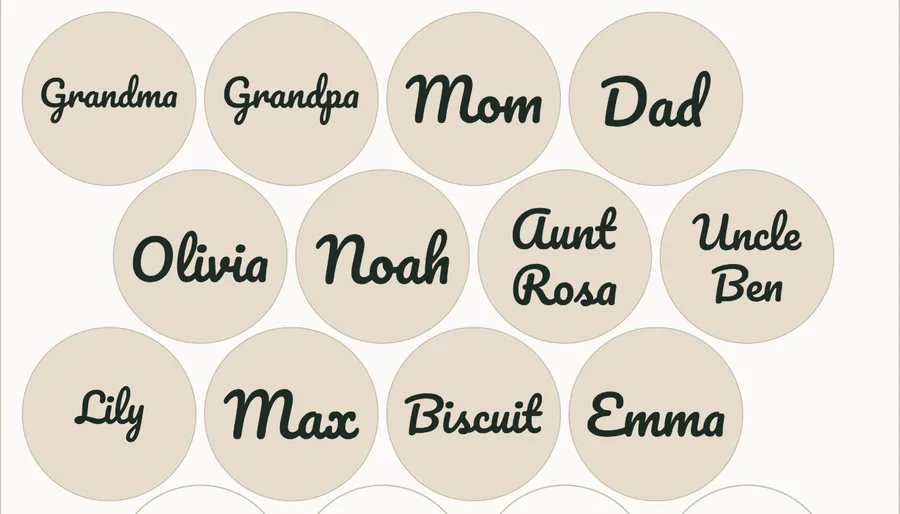
Twelve family names, the dog included, each fitted inside a round ornament blank on one laser bed
The batch name and jig maker’s preview of twelve names on 3 in round blanks. Names typed for this example.

Name ornaments for the whole family, in one file

Tool: Batch name and jig maker

Paste every name on your list and each one is fitted inside a round blank, sheet after sheet, with a jig so the blanks sit exactly where the names land. SVG or DXF, plus an order list of which name went where.

  • Choose Round (ornament, coaster) and type the diameter of your real blanks. Measure one: bought blanks are often a little off their listed size.
  • Cut the jig from scrap first, drop the blanks in, then engrave every name in one run without lining anything up by eye.
  • Long names go on two lines when that makes them bigger. Short ones grow to fill the blank.
Open the batch name and jig maker

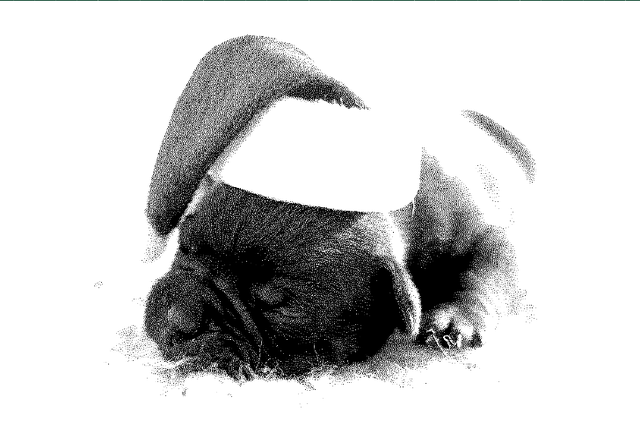
A bulldog asleep in a Santa hat, turned into black dots for a laser to burn
The photo to laser engraving preview of a dog photo, 100 mm wide at 318 dpi. Bulldog in a Santa hat by www.Pixel.la Free Stock Photos, CC0, via Wikimedia Commons.

An engraved photo ornament of the family pet

Tool: Photo to laser engraving

A dithered PNG at the width and dpi you set, with starting settings for wood, slate, leather, acrylic or metal, that burns dot for dot.

  • Set the width to the real ornament, not the photo. A small round blank wants a close crop of one face.
  • Pick your material first: wood, slate and the others each start from different settings.
  • Burn the photo engraving test card on a scrap of the same blank before the real one.

Open the photo to laser engraving

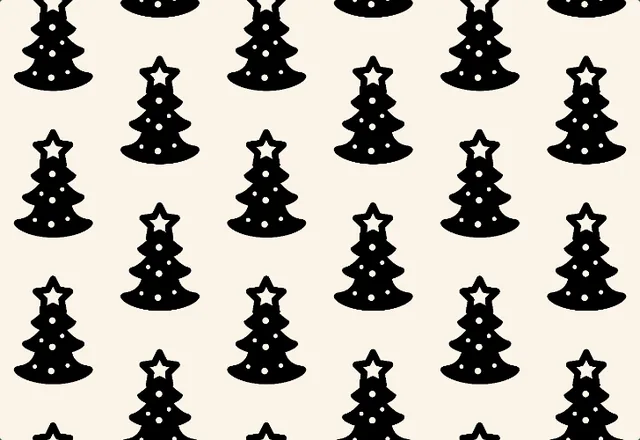
Black Christmas trees with white baubles repeating on a cream background
The seamless pattern maker’s tiled preview of one tree drawing. Christmas tree icon by Matt Brooks (The Noun Project), CC0, via Wikimedia Commons.

Wrapping paper with your own pattern

Tool: Seamless pattern maker

One drawing turned into a seamless repeat (grid, half-drop or scatter), as the repeating tile or a printable sheet at 300 dpi.

  • One simple shape on a plain background repeats best: a tree, a star, a snowflake.
  • Try the colorways for red and green versions of the same repeat.
  • Print the sheet on the biggest paper your printer takes, or send the tile to a print-on-demand paper or fabric shop.

Open the seamless pattern maker

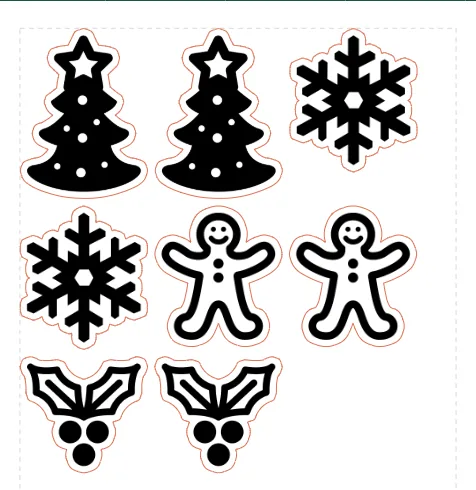
Trees, snowflakes, gingerbread men and holly, two of each, with a cut line round every sticker
The sticker sheet maker’s page of four drawings, two copies each. Tree, gingerbread man and holly icons by Matt Brooks (The Noun Project), snowflake icon by NPS contributors, all CC0, via Wikimedia Commons.

Gift tag stickers, print then cut

Tool: Sticker sheet maker

A Letter or A4 page of your stickers at the sizes and quantities you set: a 300 dpi PNG to print and an SVG cut file that lines up with it.

  • Drop every drawing at once, then set how many of each you want.
  • Print on sticker paper, then cut with a Cricut or Silhouette using the matching cut file.
  • Leave room to write a name on a tag: make it a little larger than the drawing needs.

Open the sticker sheet maker

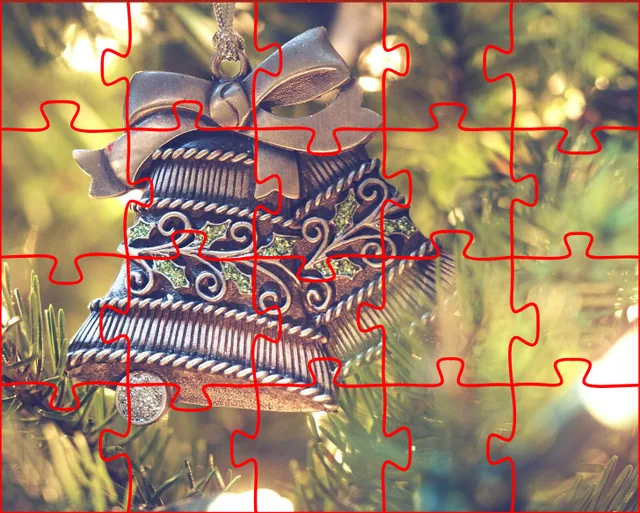
A silver bell ornament on a tree, with red jigsaw cut lines drawn over it
The jigsaw puzzle maker’s preview of a photo cut into 20 pieces. Christmas ornament photo by Aaron Burden (Unsplash), CC0, via Wikimedia Commons.

A jigsaw puzzle of a family photo

Tool: Jigsaw puzzle maker

Real-size SVG cut lines for a laser, Cricut or Silhouette, at the size and piece count you choose, plus the photo as a 300 dpi PNG to print on the front.

  • Fewer, bigger pieces for small children; more pieces for a grown-up gift.
  • Print the photo, stick it to card or thin plywood, then cut along the SVG lines.
  • A photo with something in every corner is easier to put together than a plain sky.

Open the jigsaw puzzle maker

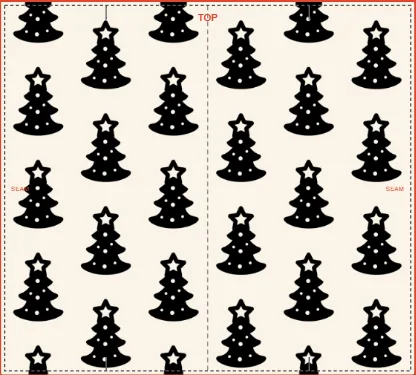
The Christmas tree pattern laid on a flat tumbler wrap template with its seam and top marked
The tumbler template maker’s preview of the tree pattern sheet as a straight wrap, 9.31 × 8.40 in flat. Made from the wrapping paper pattern above.

A tumbler wrap in the same pattern

Tool: Tumbler template maker

A wrap template at real size, straight or tapered, with your design warped to fit, as a print-ready PDF or a 300 dpi PNG for sublimation.

  • Type your cup’s real measurements from the maker’s listing or a ruler.
  • Use the printable sheet from the seamless pattern maker so the pattern meets itself at the seam.
  • Print the template on plain paper first and wrap it round the cup to check the fit.

Open the tumbler template maker

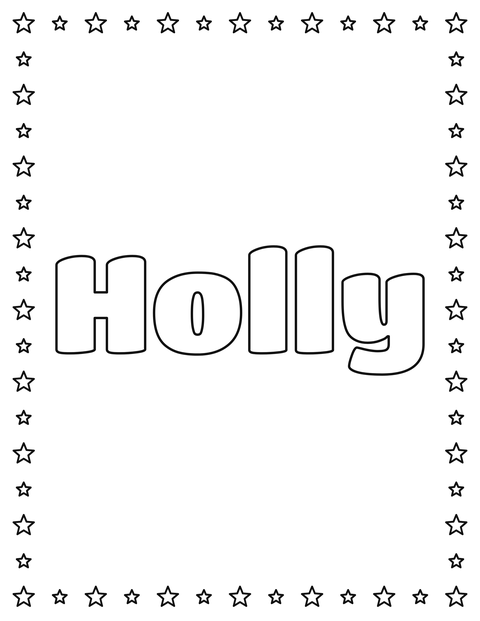
The name Holly in big outlined letters inside a border of stars, ready to color
The name coloring page’s Letter page in Titan One with the stars border. Name typed for this example.

A coloring page of each child’s name

Tool: Name coloring page

Big outlined letters to color in, with a doodle border, as a PDF, PNG or SVG on Letter or A4.

  • The stars border suits a Christmas page. Titan One is a good first font.
  • Make one for every child at the table and keep them busy before dinner.
  • Print the PDF at 100 percent so the letters fill the page.

Open the name coloring page

Questions

Is it free, and does it need an account?

Every project here uses a free tool with no signup and no watermark on what you download.

Is my photo or my list of names uploaded?

No. These tools run in your browser, and the names and pictures stay on your device.